MR2DGridTo3D
🎯 Objective
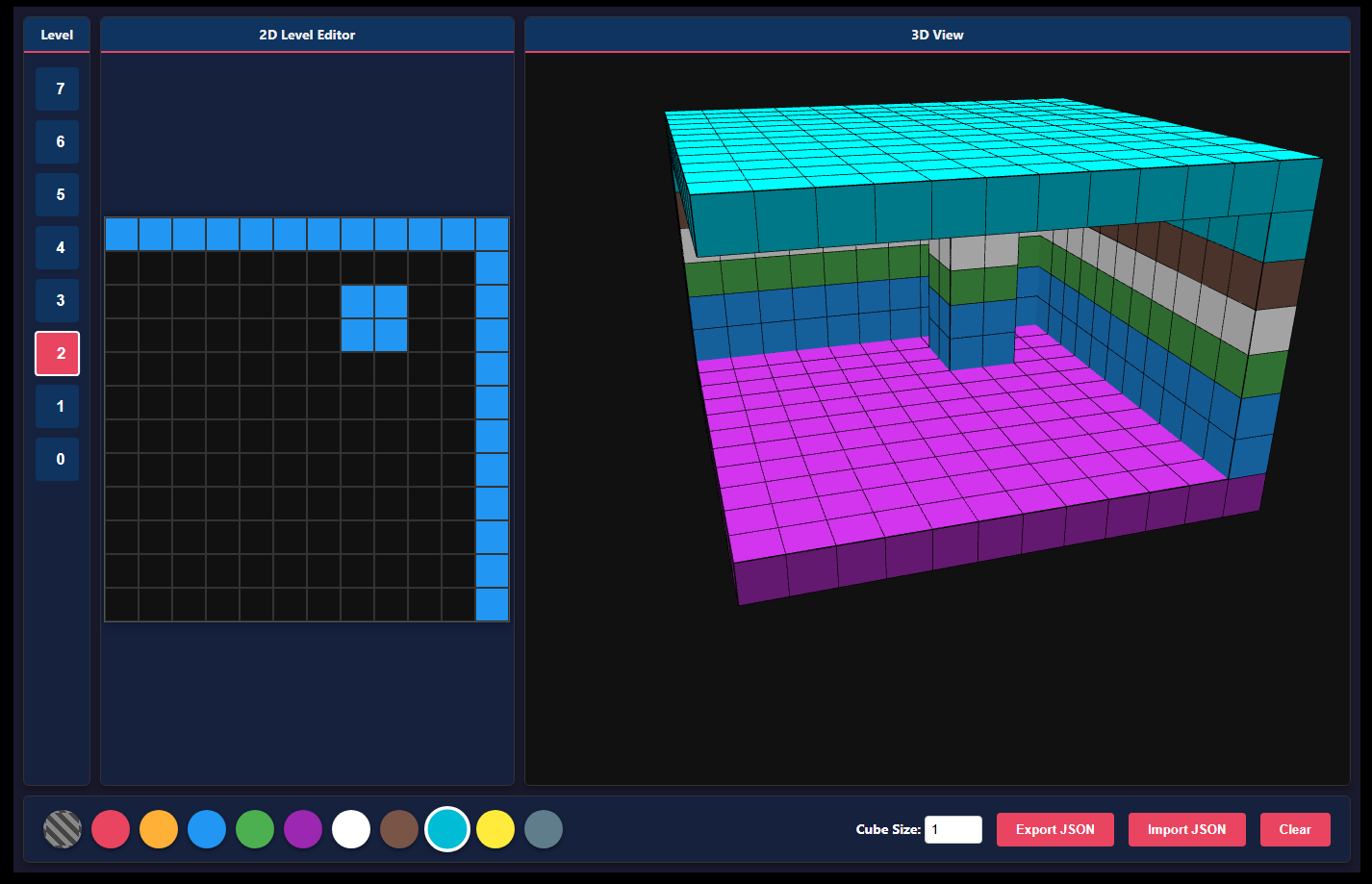
🎨 Become a voxel artist! Use the 2D grid to draw layers, and watch your 3D creation come to life in the right panel.
🕹️ Controls
🖱️ Left click (drag) on the 2D grid — Paint blocks with the selected color.
🖱️ Left click (drag) on the 3D view — Rotate your masterpeice.
⌨️ Layer Buttons (0-7) — Switch between vertical slices of your creation. Level 0 is the bottom!
💡 Tips & Tricks
✅ Use the eraser block in the palette to remove blocks from the current layer.
✅ You can change the Cube Size dynamically to adjust the density visually.
✅ Use Export JSON to save your work to a file, and Import JSON to load it later or share it with friends!
❓ FAQ
Q: Will I lose my work if I reload?
A: Nope! 💾 It autosaves using LocalStorage.
</footer>
Development log
Leave a comment
Log in with itch.io to leave a comment.